Skip to content
How it works

How prepayment works in your chiropractic practice.

Appointments are booked in PracticeHub, just like today. Chiropay takes care of everything after that: payment upfront by link, matching payments to appointments, recording each one in PracticeHub, and the payout in the evening.

  • More time for your patients

    Patients pay upfront by link. Reception no longer has to take payments or chase them.

  • Always up to date in PracticeHub

    You see who has paid right in the patient’s Activity Log. No more checking bank statements.

  • In your account by the evening

    You’re paid out for what you’ve processed, and every item is explained.

  • Outstanding payments at a glance

    If a patient hasn’t paid or an amount doesn’t match, you see it right away and can sort it out with one click.

From appointment to payout in six steps.

You keep working in PracticeHub as usual. Here you can follow, step by step, what Chiropay takes care of for you.

Step 01

Chiropay spots the booking in PracticeHub

As soon as an appointment is in PracticeHub, Chiropay knows about it. From your settings it knows what the appointment costs and whether a payment is due, or whether credit or a care plan already covers it.

Within a minute, whether the patient books online or reception enters the appointment.

Chiropay checks in order: Is the appointment already paid? Is it covered by a care plan? Is it covered by credit? Only when every answer is no does a payment become due.

From your settings: you decide what each appointment type costs, with separate prices per type of insurance if you like.

Step 02

Your practice sends the payment link

Your patients see your practice, not Chiropay: your colours, your logo, your name. A short, friendly email with a button to pay.

As few as possible. Exactly one payment request goes out for each appointment. If it’s still unpaid two days before, a reminder follows, and a final one from 6 am on the day itself. At most one email a day, and only between 6 am and 10 pm.

They still get just one request, for the next appointment. The one for the following visit only comes once the previous one has been processed in PracticeHub. So nobody pays for six appointments in advance, and nobody gets six emails.

If it isn’t paid yet, Chiropay simply stops sending reminders. If it’s already paid, the patient decides by email whether the money stays as credit or comes back to them.

Step 03

Paying online

You decide which payment methods you offer, whether patients can buy care plans, and which prices apply to which type of insurance.

Quickly and securely with PayPal, with direct debit (collected automatically) or by bank transfer. You decide which payment methods each appointment type offers.

No. No sign-up, no password, no app. The link in the email goes straight to payment.

You decide how many sessions a care plan includes, what it costs per type of insurance and whether it can be paid in instalments. Patients can then buy it right there when they pay.

Step 04

Your daily schedule says: paid

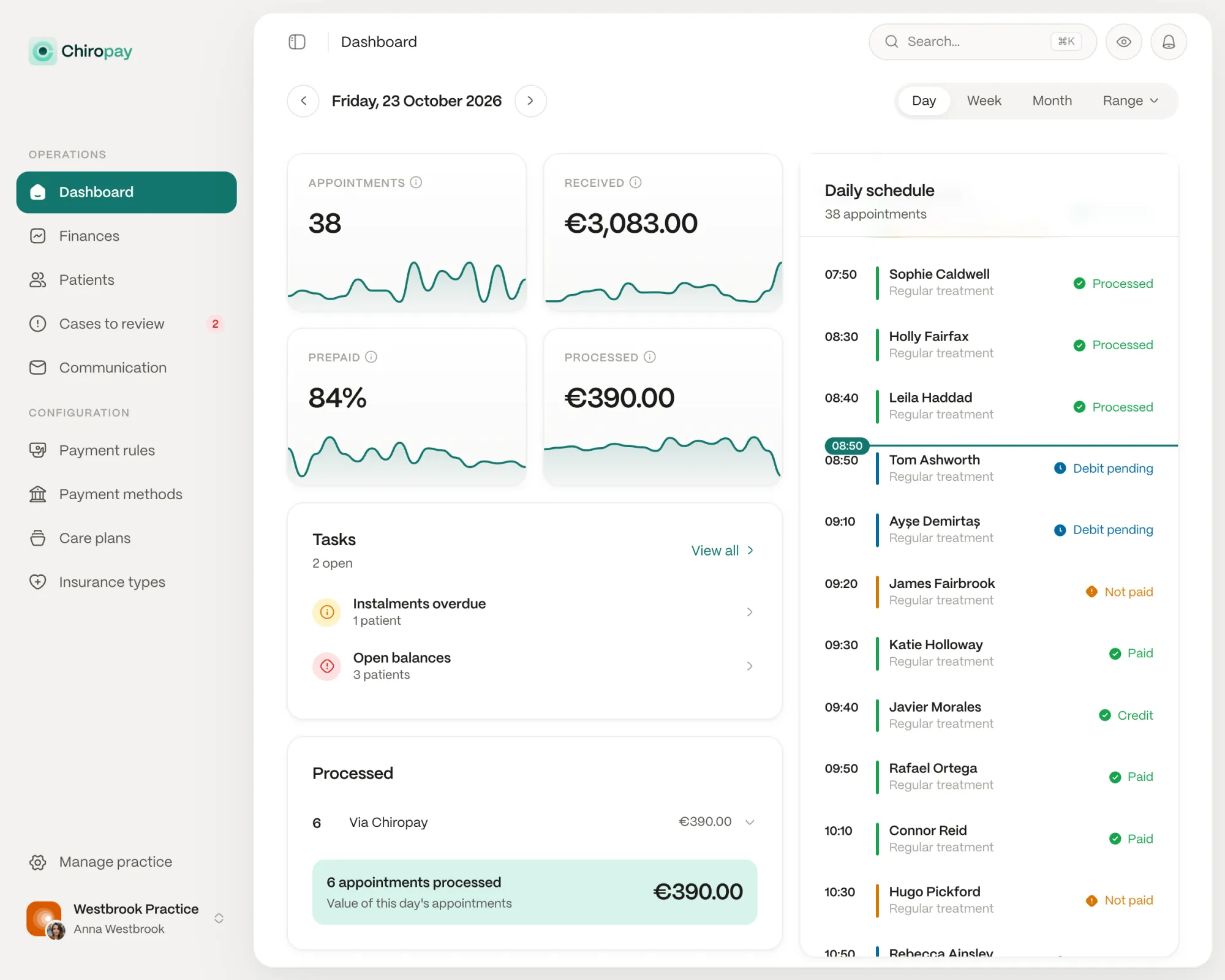
You don’t have to check on every patient one by one. The daily schedule updates throughout the day and shows for each appointment whether it’s paid, covered by a care plan or still open.

If someone still has an instalment or an earlier appointment unpaid, it shows right next to their name, so you can mention it when they’re in.
Yes, in three places: in the patient’s credit, as a payment under Billing with the payment method, and as an entry in the patient’s Activity Log. So everything can be traced from PracticeHub alone.

If someone pays too much, the rest becomes credit for their next appointment. If someone pays too little, a direct debit bounces or a bank transfer can’t be matched, Chiropay flags it for you as a case to review. It tells you in plain words what’s going on, and the next step is one click away.
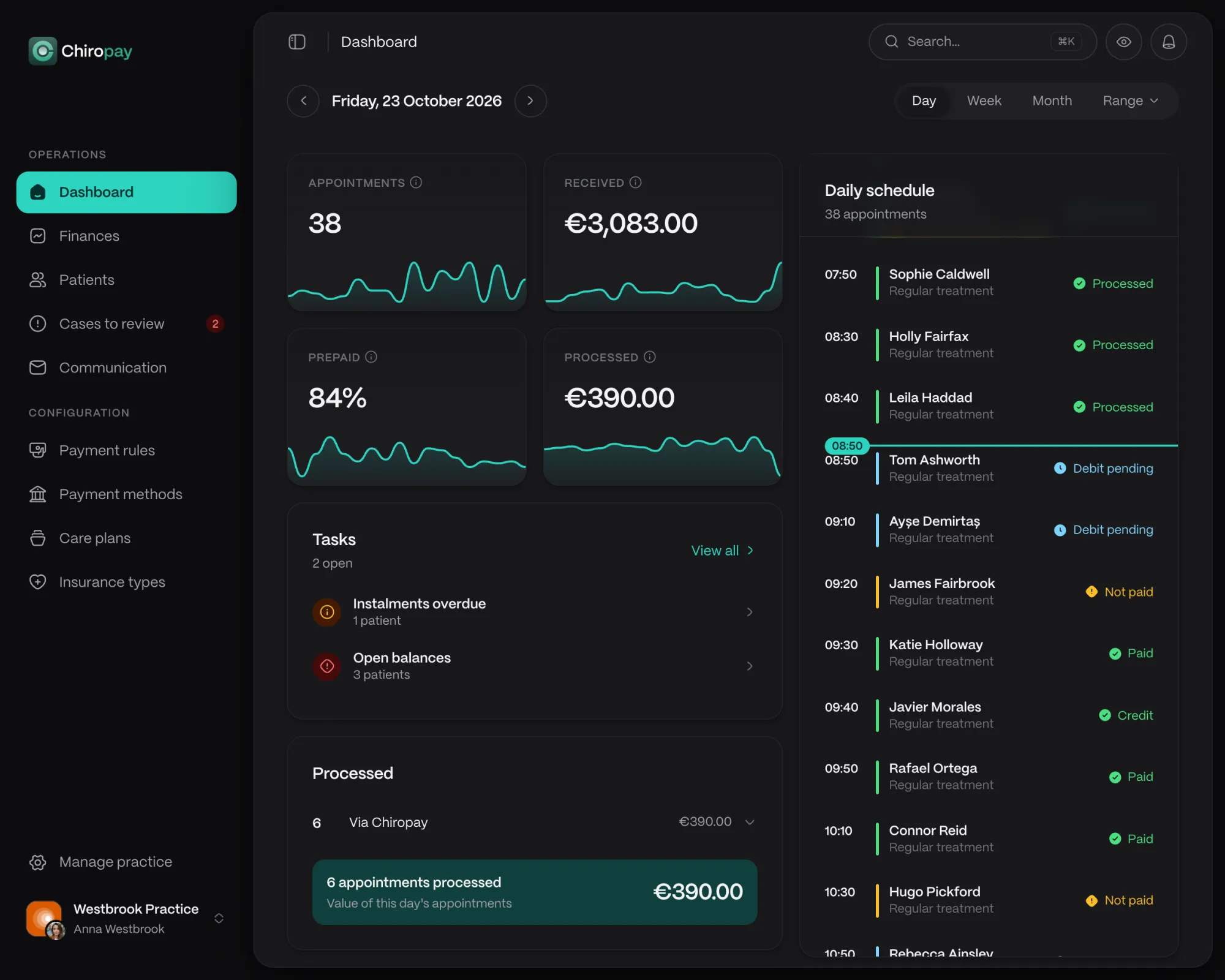
The daily schedule in Chiropay: for each appointment, whether it’s paid, covered by a care plan or still open

Step 05

Processing in PracticeHub

You process appointments in PracticeHub as always. Chiropay picks that up and updates the status, even when someone only pays at the practice.

No. You process appointments in PracticeHub just as before. Chiropay reads what you process and so knows which appointments took place.

Then Chiropay picks it up from the processed appointment in PracticeHub and updates everything. Nobody gets a reminder after that.

Step 06

Payout to your account every evening

Everything you processed today is paid out, broken down by appointment type, with fees, straight to your account.

The money is never held by us. From the start it sits in the accounts of your payment providers: PayPal, Mollie and Qonto. Every day, Chiropay automatically sends what you’ve earned to the account of your choice: everything processed in PracticeHub that day, minus the providers’ fees. The default is 6 pm, and you can change the time.

It stays set aside in Qonto until the appointment has taken place and been processed. If a patient cancels, their money is still there and can simply be refunded. So only what you’ve already earned lands in your main account. And you always have access to your money at Qonto yourself.

Every month you download a list of all payments from Chiropay, broken down into income, fees and net. Each provider bills you for its own fees.

What you can rely on.

Where your money flows, where your data lives and what happens if something goes down.

Your money never sits with us.

Your patients pay straight into your accounts with PayPal, Qonto and Mollie. Chiropay only gives the instructions and never holds a single cent itself.


Your data and your patients’ data stay in Europe.

Our servers are in Paris, so all data stays in Europe, and the emails go out from there too. Encrypted, covered by a data processing agreement (DPA), with every practice kept separate from all the others.

Even if something goes down, nothing gets lost.

Chiropay keeps track of exactly how far it got each time it checks. If something does go down, it catches up on everything it missed as soon as it’s back.

Frequently asked questions about prepayment and payouts.

The questions practice owners ask us, and our honest answers.

No. Booking, cancelling and processing appointments all stay in PracticeHub. Chiropay reads along and writes payments back. The only new thing is that you no longer have to ask for money.

For PayPal payments, yes: PayPal reports every payment instantly. Chiropay fetches appointments and patient data from PracticeHub every minute, matches bank transfers with Qonto every fifteen minutes and runs the payout every evening. If something drops out along the way, it picks up exactly where it left off on the next cycle.

A fixed monthly price per practice, regardless of revenue or patient numbers: Essential €25, Pro €59 a month billed annually, or €29 and €69 billed monthly and cancellable. Max is coming soon, at €89 or €99. Insights are included from Pro upwards. All prices include VAT. You pay the PayPal, Mollie and Qonto fees directly to them.

Yes, that’s what Chiropay is built for. It connects to your practice’s PracticeHub account, reads the appointments and records every payment against the patient, with the previous version and with PracticeHub 2.0. Chiropay is a separate product, not made by PracticeHub.

Then nothing is lost. If the patient pays at reception after all, Chiropay sees it when you process the appointment in PracticeHub and catches up. If the amount stays open, it shows up in Finances under outstanding payments, among your cases to review and in the daily schedule, at the latest when the patient is next in. You then decide whether the practice asks again.

Then nothing bad happens. The appointment stays, the payment stays open, and after the appointment you decide line by line whether the practice asks again or the patient pays at reception as before. Once the appointment has happened, Chiropay never chases anyone on its own. You can exclude patients without an email address.

In a friendly, informal tone by default. The emails are written in plain language, without pressure, and carry your name, logo and colours. If your practice prefers a more formal tone, one switch in the settings changes it.

If the connection to PracticeHub drops, no emails go out and nothing is recorded until it’s back. Nothing gets lost, because every payment request knows exactly where it stands. You can see the status of every connection in your settings.

In Europe. Your practice’s and your patients’ data is stored encrypted in Paris with a European provider, each practice kept separate from all others, and emails go through a European service too. Even the AI help in the app only sees your patients as numbers, never with names, contact or bank details. We’re a processor under Art. 28 GDPR, and you get the data processing agreement (DPA) before you start. You decide which payment services you offer, and Chiropay generates the privacy policy for your patients to match.

PayPal charges a fee on each payment, and Chiropay shows it in the payout. Bank transfers and direct debits cost less, and you decide for each appointment type which payment methods your patients see.

You’re set up in a few days. We connect PracticeHub, PayPal and your account, set up appointment types, prices and care plans, and start in test mode with a handful of patients, so you see every email before it goes out. You go live when you’re ready.

Any time. All data can be exported: payment requests, payments, care plans, emails. Remaining care plan balances sit as credit in PracticeHub, and that’s where they stay.

Let’s take a look at your practice.

30 minutesVideo call

We look at how your practice handles payments today and show you where Chiropay takes work off your plate. No obligation.
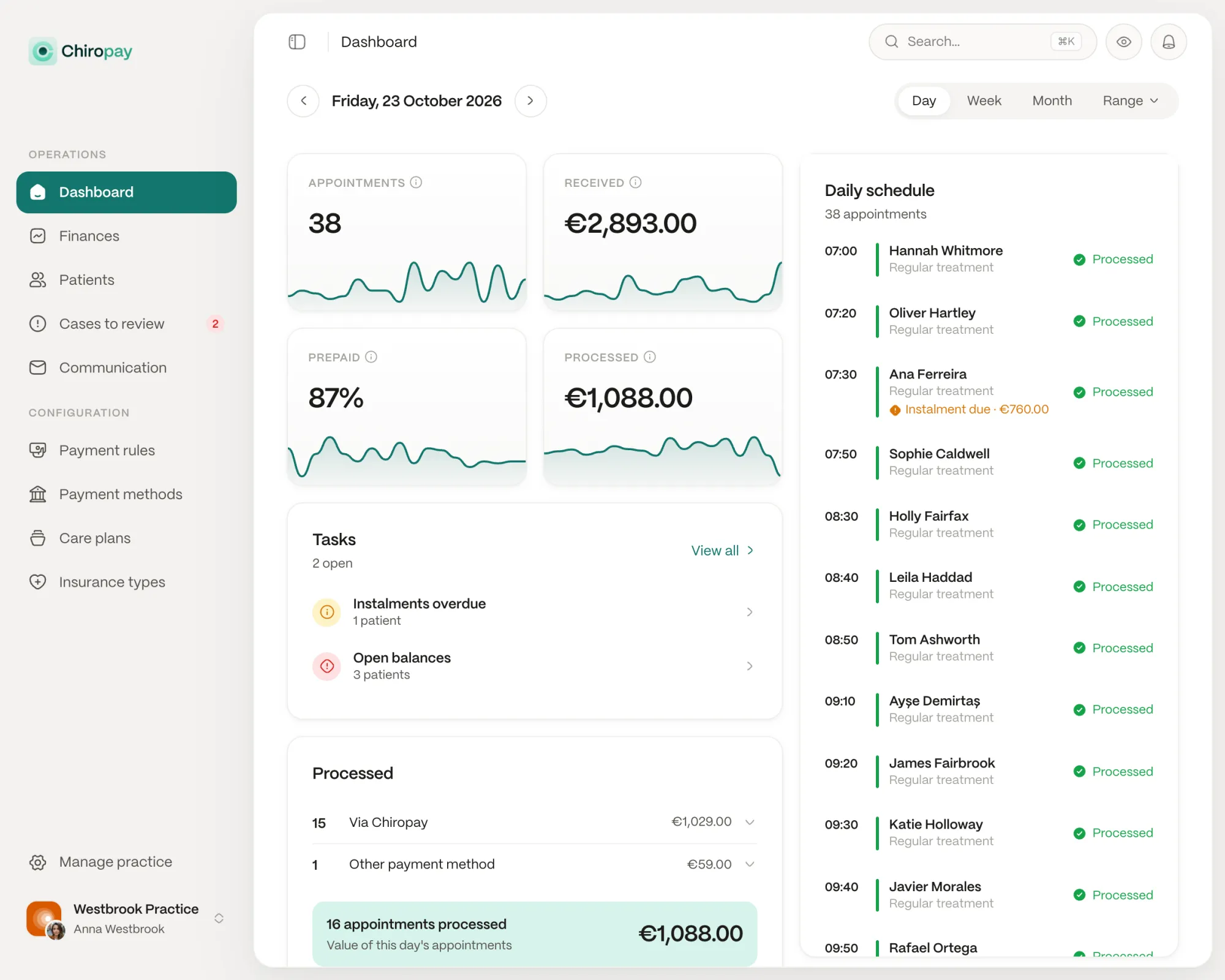
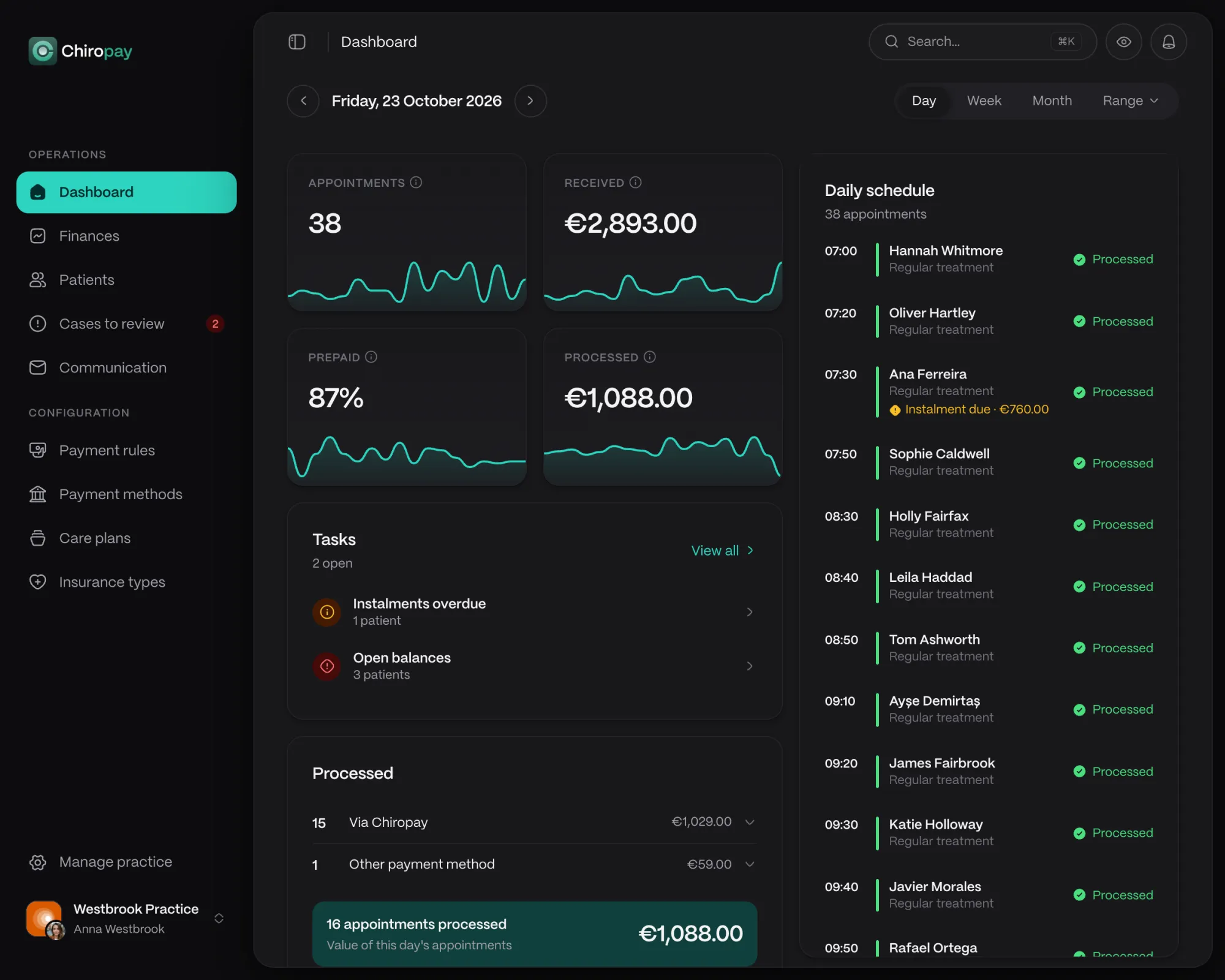
The Chiropay dashboard for chiropractic practices: key figures, tasks, processed appointments and the daily schedule with each appointment’s payment status.

Read on