Chiropay spots the booking in PracticeHub
Charlotte is new to your practice and books an appointment in PracticeHub, appointment type New patient. Chiropay sees the booking straight away. For new patients you have a rule of their own: which price applies, and that they pay in advance.
Your practice sends the payment link
A minute later she has an email from your practice, in your colours and with your logo. It shows her appointment, the price and a button to pay.
Paying online
She confirms she has statutory health insurance, sees her price of €85 and pays with PayPal in two taps. You decide which payment methods she sees.
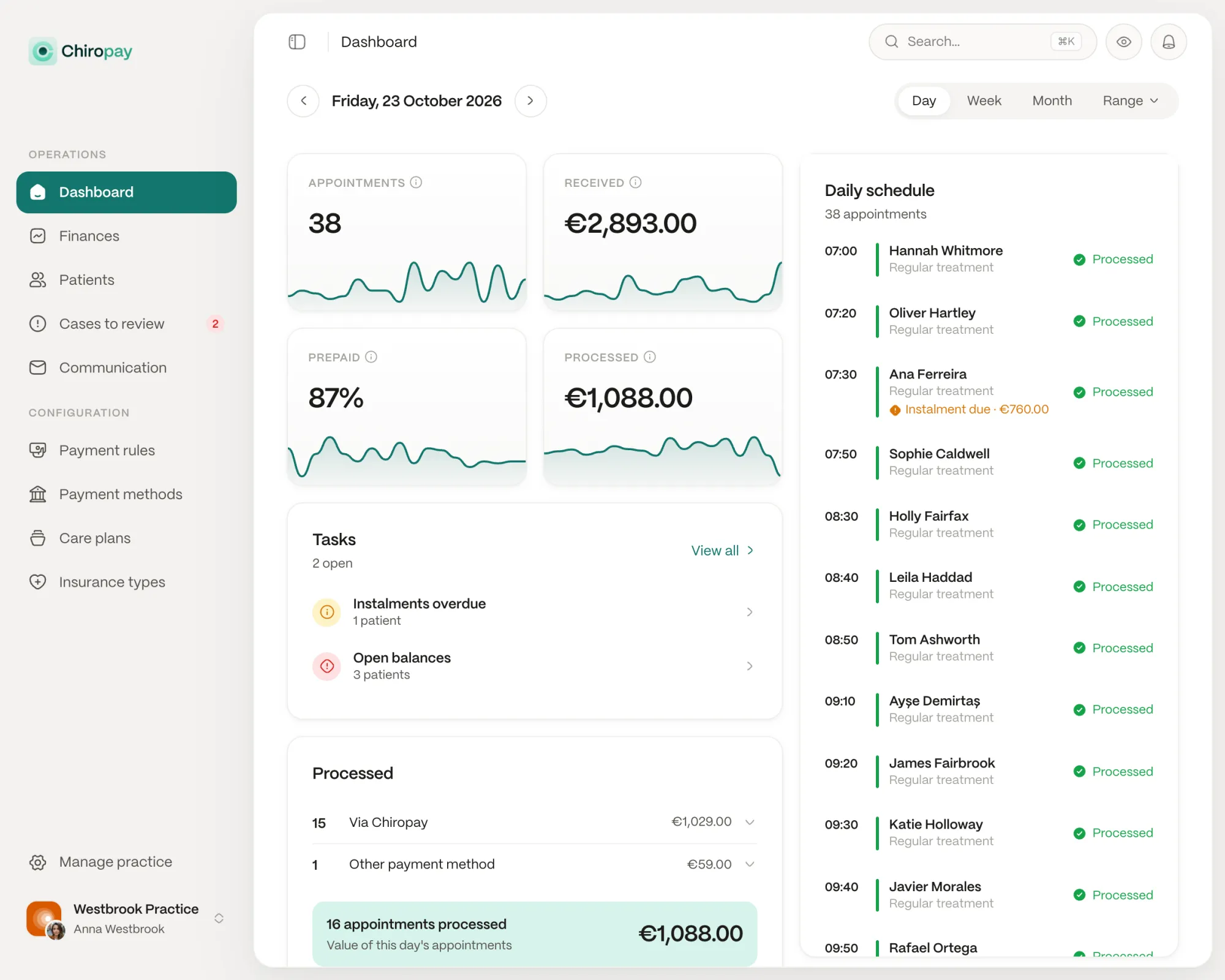
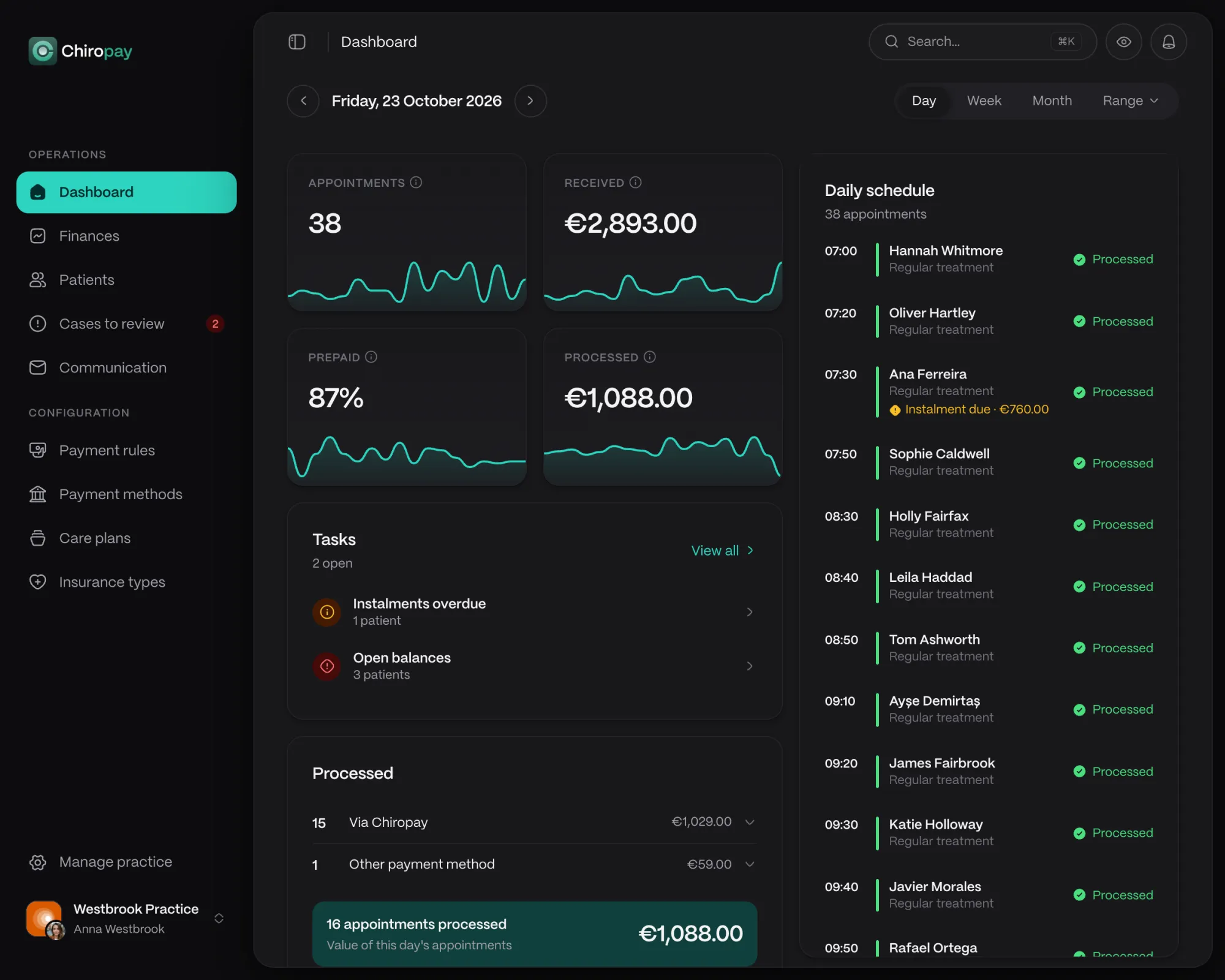
Your daily schedule says: paid
Before she walks through the door, her appointment shows as paid. One click shows every step: booked, link opened, paid, recorded in PracticeHub.
Processing in PracticeHub
After the treatment you process the appointment in PracticeHub as usual. Chiropay marks it as processed. She has already paid, so there is nothing left to collect.
Payout to your account every evening
Charlotte’s €85 arrives together with all the other appointments of the day, broken down by appointment type and with fees.